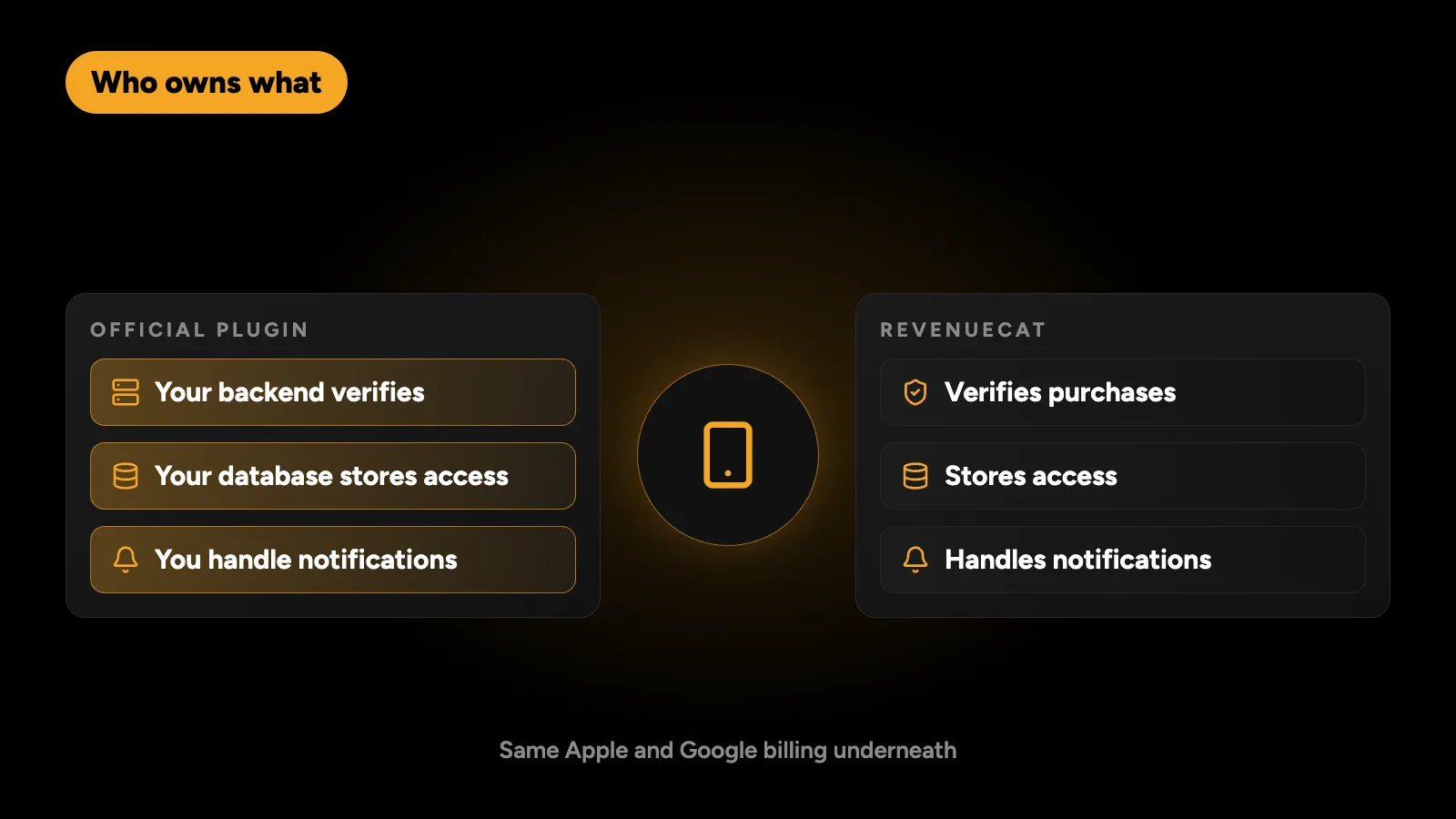
Use RevenueCat if you have no backend, need subscriptions live in weeks, or want paywall testing and revenue charts without building them. Use the official in_app_purchase plugin with your own server if you already run a backend, want full control of purchase data, or expect enough revenue that a percentage fee costs more than the engineering. Both use the same Apple and Google billing underneath. The real choice is who owns verification, entitlements and store notifications: RevenueCat or you.
This post compares the two on the things that decide it in practice: cost, backend work, control and how hard it is to switch later.
What does each option actually do?
Both talk to StoreKit on iOS and Google Play Billing on Android. Neither changes the store’s commission. The difference is what happens after the purchase.
| Job | in_app_purchase (official) | RevenueCat |
|---|---|---|
| Show products and start purchases | Plugin | SDK |
| Verify each purchase with Apple or Google | Your backend | RevenueCat |
| Store who has access, and until when | Your database | RevenueCat |
| Handle renewals, cancellations and refunds | Your backend, via store notifications | RevenueCat |
| Cross-platform access (iOS buyer on Android) | You link purchases to user accounts | Built in, by app user ID |
| Paywall A/B tests and revenue charts | Build or buy separately | Built in |
| Extra fee | None | A share of revenue above a free tier |
The official plugin is maintained by the Flutter team on pub.dev. RevenueCat’s Flutter SDK is purchases_flutter.
How much does each one cost?
The official plugin has no fee. You pay in engineering time instead: a verification endpoint, an entitlements table, Apple and Google notification handlers, and the testing to make all of it reliable.
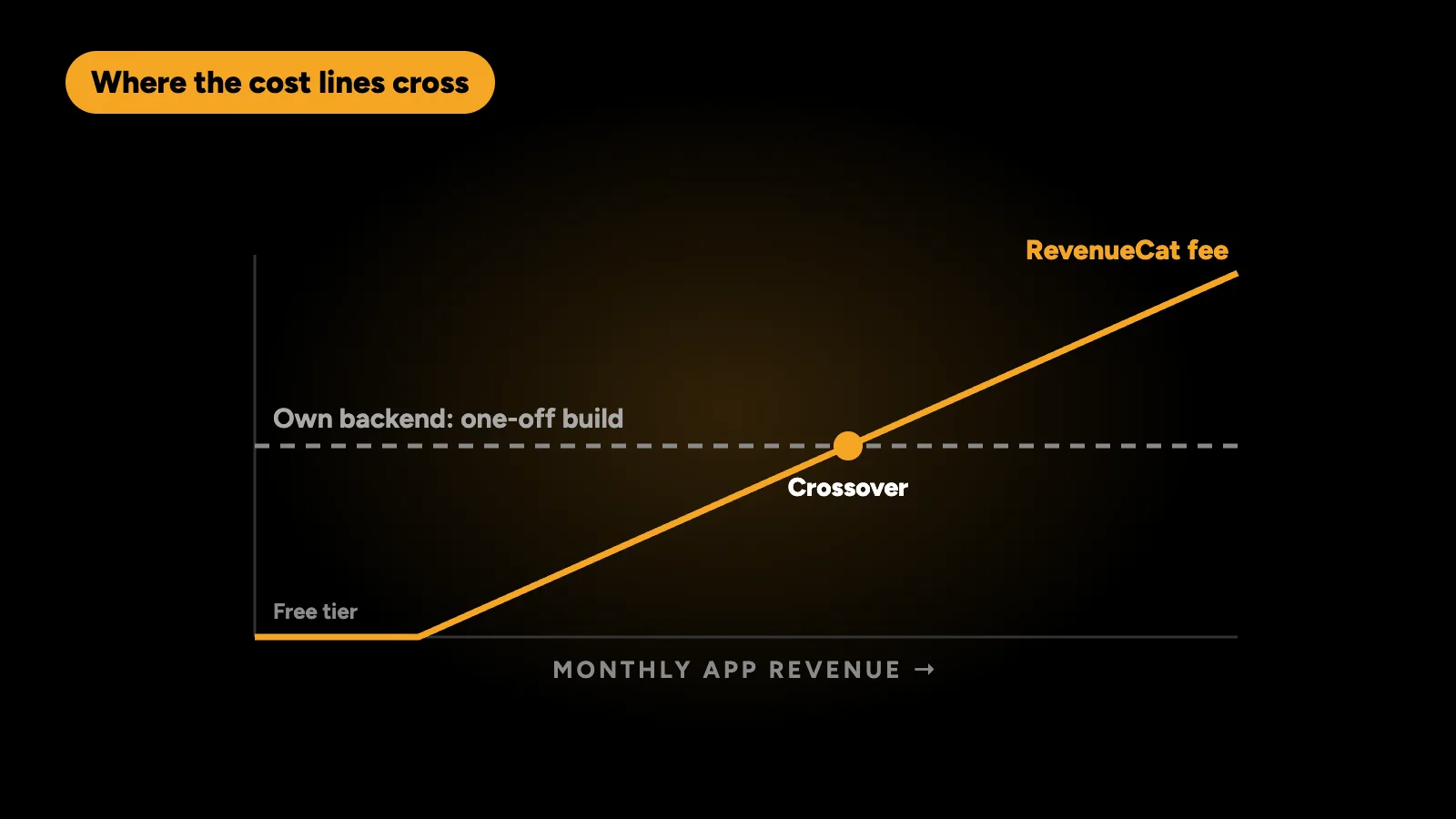
RevenueCat is free while your monthly tracked revenue stays under $2,500. Once you reach it, the fee is 1% of all tracked revenue that month, not just the part above $2,500, and it’s measured before Apple and Google take their cut. Check RevenueCat’s pricing page for the current numbers, because plans change.
A simple way to compare them is to work out the fee at the revenue you expect in a year:
| Monthly app revenue | RevenueCat fee | What that fee adds up to |
|---|---|---|
| $2,000 | $0 (under $2,500) | Nothing to compare: use RevenueCat |
| $10,000 | $100 a month | $1,200 a year: rarely worth building your own |
| $50,000 | $500 a month | $6,000 a year: a real backend budget |
| $200,000 | $2,000 a month | $24,000 a year: easily pays for owning it in-house |
Based on RevenueCat’s published pricing: free under $2,500 a month, then 1% of all tracked revenue.
The one-off cost of building verification and notifications yourself is usually one to three weeks of backend work, plus a little maintenance when Apple or Google change their APIs. For most new apps that is more than the fee will ever be. For apps with steady, high revenue it often pays for itself within a year.
When is RevenueCat the better choice?
- You have no backend. RevenueCat replaces the server you would otherwise have to build for verification. This is the strongest reason.
- You need to launch quickly. A working subscription flow takes days instead of weeks.
- You want paywall experiments. Testing prices, trials and paywall designs without an app release is built in.
- Your team is mobile-only. Nobody has to learn the App Store Server API or Google Cloud Pub/Sub.
- Revenue is uncertain. If the app may never pass the free tier, the fee is zero and the saved time is pure gain.
When is the official plugin better?
- You already run a backend. Adding a verification endpoint and an entitlements table to an existing Node.js, Laravel or Supabase backend is a contained job.
- Access is checked by your server anyway. If your API decides what each user can do, it should also own subscription status. With RevenueCat you would sync its webhooks into your database, so you build half of it regardless.
- You need the raw data. Your own records of every transaction, renewal and refund are easier to join with your other data for finance and support.
- Revenue is high and steady. A percentage fee grows with revenue. A server you own doesn’t.
- You don’t want a vendor between you and the stores. Fewer moving parts when something fails at 3 a.m.
What does the code look like?
With RevenueCat, checking access is one call against the customer’s entitlements:
final info = await Purchases.getCustomerInfo();
final isPro = info.entitlements.active.containsKey('pro');
With the official plugin, the app listens for purchases, sends each one to your backend, and asks your backend what the user owns:
InAppPurchase.instance.purchaseStream.listen((purchases) async {
  for (final p in purchases) {
    if (p.status == PurchaseStatus.purchased || p.status == PurchaseStatus.restored) {
      await api.verifyPurchase(p.verificationData); // your server checks Apple or Google
    }
    if (p.pendingCompletePurchase) await InAppPurchase.instance.completePurchase(p);
  }
});

final isPro = (await api.entitlements()).contains('pro');
The app code is similar in size. The difference is the server side the second version needs. The full setup is in my Flutter in-app purchases guide.
Can I switch later?
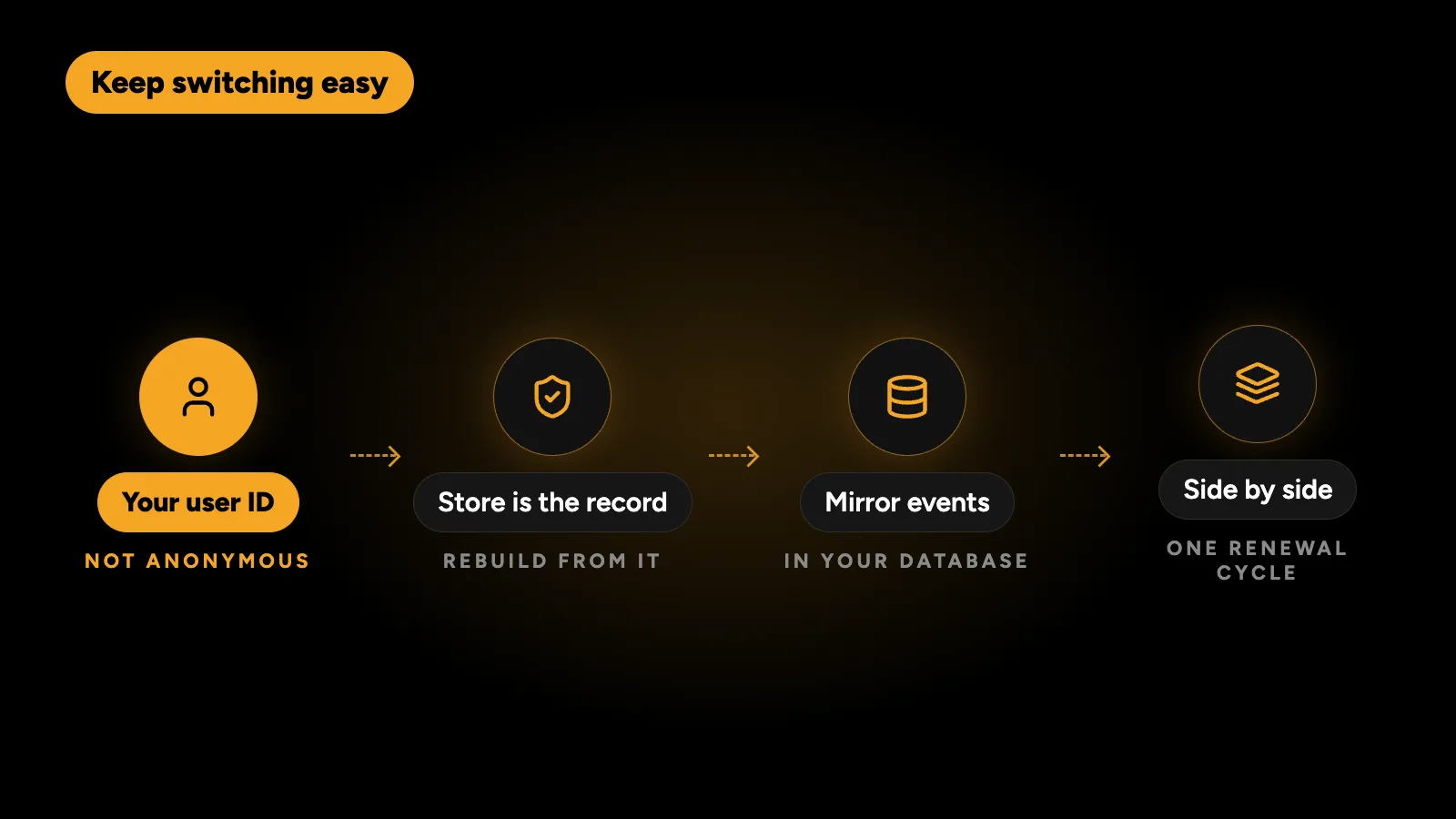
Yes, in both directions, but plan for it from day one.
- Use your own user ID everywhere. Log in to RevenueCat with your account ID, not an anonymous one, so purchases can be matched to users later.
- Keep the store as the record. Apple and Google hold the real purchase history. Your new system can rebuild entitlements from it, so nothing is lost when you move.
- Mirror entitlements in your database. If you use RevenueCat, store its webhook events in your own table. Switching then means replacing the source, not rebuilding the data.
- Run both side by side for a renewal cycle. Compare who each system says is subscribed before you switch the app over.
What breaks with either option?
The same mistakes cause most subscription bugs whichever tool you use:
| Mistake | What the user sees |
|---|---|
| Checking access on the device only | Paid users hit the paywall after reinstalling |
| Anonymous user IDs | Purchases don’t follow the user to a new phone |
| No Restore Purchases button on iOS | App Store rejection |
| Not completing Android purchases | Google refunds them automatically after three days |
| Testing only the first purchase | Renewals, refunds and failed payments break in production |
A simple rule
- No backend, or revenue under a few thousand dollars a month: RevenueCat.
- Existing backend that already controls access: the official plugin and your server.
- Somewhere in between: start with RevenueCat, mirror its events in your database, and move in-house when the fee is bigger than the work.
What I use
On CRUD Review the app already had a Node.js and PostgreSQL backend deciding what every account can do, so subscriptions use the official billing on both stores, and the backend verifies each purchase and owns the entitlement. For clients without a backend I usually recommend RevenueCat and set up the webhook mirror from the start. If you’re still budgeting the app itself, see how much a Flutter app costs.
I build and fix subscriptions in Flutter apps on both stores, with RevenueCat or with your own server. Tell me what your app needs and get a fixed quote within 24 hours.